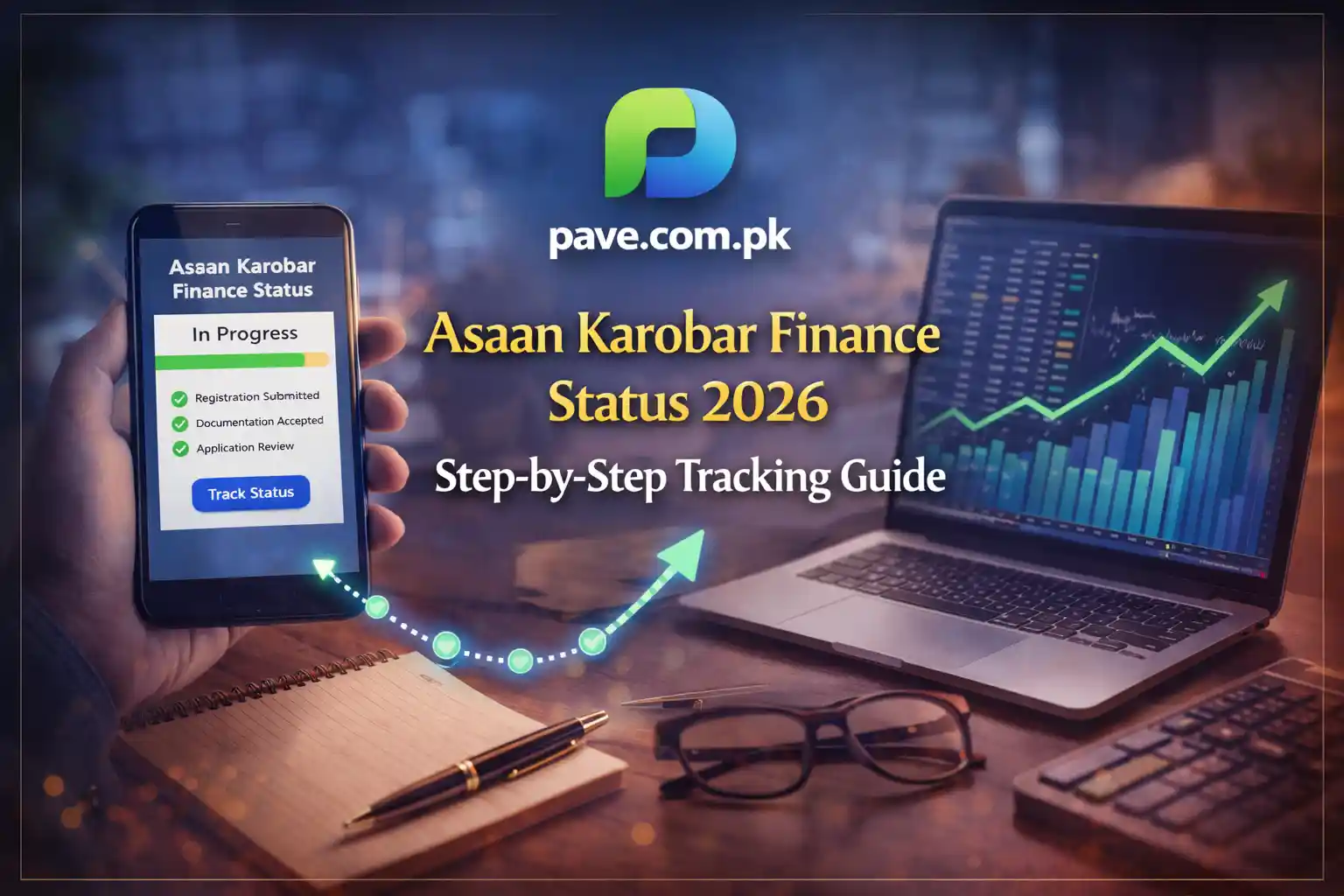
Asaan Karobar Finance Status 2026 – Step-by-Step Tracking Guide
The CM Punjab Asaan Karobar Finance Scheme 2026 is a joint initiative of the Government of Punjab through the Punjab Small Industries Corporation (PSIC) and the Bank of Punjab (BOP). It offers interest-free loans (0% markup) up to Rs. 5 million for small and medium businesses.
If you’ve already applied and want to track your application, here is the complete 2026 guide.
Official Portal for Registration & Login
All applications are processed through the official portal:
akf.punjab.gov.pk
From here, you can:
- Register with CNIC
- Log in to your dashboard
- Track application status
- Apply for Asaan Karobar Card or Finance
Always confirm the URL before entering your CNIC.
How to Track Asaan Karobar Finance Status 2026 (Online Method)
Step 1: Visit the Official Portal
Go to:
akf.punjab.gov.pk
Click on Login.
Step 2: Enter Your Credentials
Use:
- 13-digit CNIC (without dashes)
- Mobile number registered on your CNIC
Enter OTP if required.
Step 3: Go to “Track Application”
Inside your dashboard:
- Click on Application Status
- Or Track Application
Step 4: View Your Current Status
You may see one of the following labels:
- Application Submitted
- Under Initial Scrutiny
- Field Verification
- Documents Pending
- Approved
- Rejected
Each stage indicates where your file is in the bank process.
Asaan Karobar Card Status Check by CNIC
If you applied specifically for the Asaan Karobar Card, you can check status using:
- CNIC login on the AKF portal
- Tracking ID received via SMS
The system will display whether your card is:
- Under Review
- Approved
- Ready for Collection
- Rejected
SMS Tracking Method (If Available)
In many 2026 provincial schemes:
- Applicants receive a confirmation SMS after submission
- A tracking code may be provided
If SMS tracking is active:
- Send your CNIC to the shortcode mentioned in your confirmation message
If you did not receive an SMS:
- Check inbox for messages from “PSIC” or “BOP”
Helpline Support for Status Check
If portal is slow or not updating, contact:
📞 Bank of Punjab Helpline:
(042) 111-267-200
📞 PSIC Helpline:
(042) 111-111-456
Keep ready:
- CNIC
- Tracking ID
- Registered mobile number
You can also visit your nearest BOP branch and ask the SME Desk or Loan Officer.
Asaan Karobar Card Apply Online – Step-by-Step
If you have not applied yet, here’s the process:
Step 1: Visit Official Portal
akf.punjab.gov.pk
Step 2: Register
Provide:
- CNIC
- Mobile number (registered on CNIC)
- Basic personal details
Receive OTP verification.
Step 3: Select Scheme
Choose:
- Asaan Karobar Card
OR - Asaan Karobar Finance
Step 4: Fill Application Form
Provide:
- Personal information
- Business details
- Monthly income
- Business location
- Loan amount required
Step 5: Upload Required Documents
Typically required:
- CNIC copy
- Business proof
- Utility bill
- Bank statement
- Guarantor documents (if required)
Step 6: Submit & Save Tracking ID
After submission:
- You will receive SMS confirmation
- Tracking ID is generated
Save it carefully.
Understanding Status Labels (Important for 2026)
Initial Scrutiny
Basic eligibility and document check by BOP.
Field Verification
Bank officer visits your business location.
Approved
Loan sanctioned, pending final documentation.
Documents Pending
You must upload missing paperwork.
Rejected
Eligibility criteria not met (can reapply if conditions change).
Requirements for Final Disbursement
If your status shows Approved, prepare:
1️⃣ Equity Participation
Most tiers require 10%–20% own contribution.
2️⃣ Personal Guarantee
Net worth statement of applicant or guarantor.
3️⃣ Asset Insurance
For Tier 2 loans, asset insurance is mandatory.
Without completing these, funds cannot be released.
Asaan Karobar Finance Status 2026 – Offline Tracking Near You
If you prefer in-person follow-up:
- Visit the BOP branch where documents were submitted
- Ask for SME Desk
- Provide CNIC and reference number
This is useful if online status hasn’t updated for several weeks.
Access Asaan Karobar Card – After Approval
Once approved:
- Bank will notify you
- Card issuance instructions provided
- Loan disbursement scheduled
Do not pay any unofficial processing fee.
Common Problems & Solutions (2026)
Portal Not Loading
- Try late night
- Use updated browser
- Clear cache
No SMS Received
- Confirm mobile number entered correctly
- Check spam folder
Field Verification Delayed
- Contact BOP branch directly
- Confirm business address is accessible
Final Advice for Applicants
To ensure smooth approval:
- Upload clear documents
- Keep mobile active
- Respond to verification calls
- Maintain minimum required equity