
Land Record Punjab Online Check by CNIC 2025 – Step-by-Step Guide to Download Fard Online
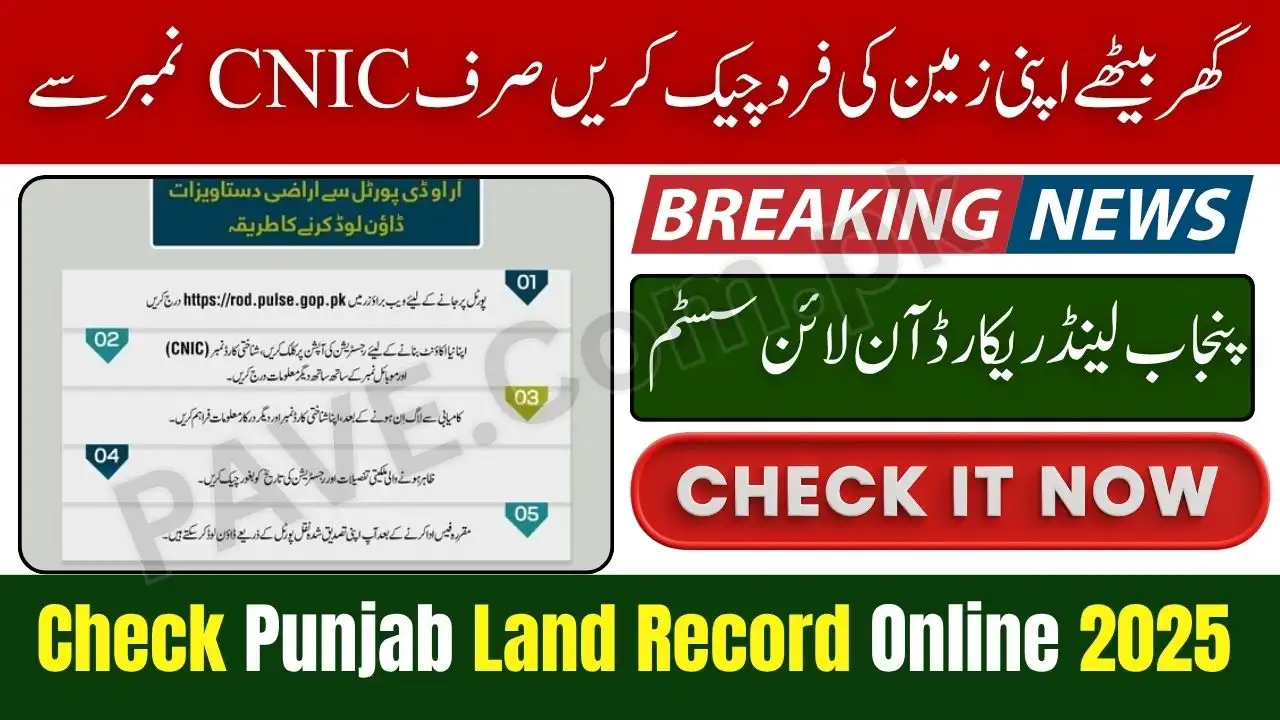
Land Record Punjab Online Check by CNIC 2025 – Step-by-Step Guide to Download Fard OnlineYes, overseas Pakistanis can also check and download their land record online using their CNIC or NICOP.Land Record Punjab Online Check by CNIC 2025 – Step-by-Step Guide to Download Fard Online
Checking your land ownership record in Punjab has never been easier. The Punjab Land Record Authority (PLRA) has launched an online system through the rod.pulse.gop.pk portal where citizens can view, verify, and download their Fard (land ownership document) by simply entering their CNIC number. This service saves time, removes corruption, and brings complete transparency to the land management system.
In this article, we will explain the complete step-by-step guide on how to check and download your land record online, the benefits of the PLRA portal, and answer the most common questions people ask in 2025.
What is the Punjab Land Record Authority (PLRA)?
The Punjab Land Record Authority, under the Board of Revenue, Government of Punjab, is responsible for maintaining digital records of land ownership in all districts of Punjab. It has computerized over 55 million land records to make the process transparent and accessible.
Through its Arazi Record Centers and Online Portal, PLRA ensures that every citizen can verify land documents without any middleman.
Check Also: All NADRA Offices to Remain Closed for 1 Day on Allama Iqbal Day – Official Notification Issued

Why the Land Record Online System Was Introduced
The Punjab government launched this online system to eliminate fraud, corruption, and the hassle of manual land verification. Previously, citizens had to visit revenue offices multiple times to obtain or verify their Fard. Now, you can do it online within minutes from your mobile or computer.
The new system provides real-time verification, easy accessibility, and safe record management for all property owners.

Eligibility Criteria (Who Can Use the Service)
| Category | Eligibility Description |
|---|---|
| Punjab Citizens | Any individual owning land in Punjab |
| CNIC Holders | Must have a valid 13-digit CNIC |
| Online Access | Internet connection & smartphone/computer |
| Registered Land | Land record should be available in PLRA database |
| Verification Purpose | For ownership proof, transfer, or loan verification |

Requirements Before Checking Your Land Record
Before you begin, make sure you have:
- A valid CNIC number
- The district, tehsil, and mauza (village/area) where your property is located
- Access to the internet and a device (mobile, tablet, or computer)
- A printer (optional) if you want to download and print your Fard

Step-by-Step Guide: How to Check Land Record Online by CNIC (2025)
Follow these simple steps to verify your property ownership details through the PLRA online system:
Step 1: Visit the Official Portal
Go to the official PLRA website:
🔗 https://rod.pulse.gop.pk
This is the official Punjab government portal for all land and property records.
Step 2: Enter Your CNIC Number
Enter your 13-digit CNIC number in the search field to access your record.
Make sure your CNIC is correctly entered without dashes or spaces.
Step 3: Select District, Tehsil & Mauza
Next, select your District, Tehsil, and Mauza (village/area) from the dropdown menu. This helps the system locate your land record accurately.
Step 4: View Ownership Details
Once the information is entered, the system will display your land ownership record (Fard) on the screen. You can verify all details such as the owner’s name, land type, and area.
Step 5: Download or Print Fard
After confirming your information, click on the “Download Fard” or “Print” button to save your document for official use.
Your digital Fard is valid for legal and verification purposes.
Benefits of Using PLRA Online Portal
| Feature | Benefit for Users |
|---|---|
| 24/7 Availability | Check records anytime from home |
| Time Saving | No need to visit Arazi Record Centers |
| Transparent Process | Eliminates middlemen & fraud |
| Secure Data | Records safely stored in digital form |
| Printable Documents | Fard available for download in PDF format |
How to Verify Fard Authenticity Online
After downloading your Fard, you can verify its authenticity directly through the portal. Every digital Fard contains a QR code and unique verification number.
Simply scan the QR code or enter the verification number on the PLRA website to confirm its validity.
Offline Option: Visit Nearest Arazi Record Center
If you prefer manual verification, you can visit the nearest Arazi Record Center (ARC) in your district. PLRA has established more than 150 centers across Punjab where you can:
- Get assistance from PLRA staff
- Print certified copies of your Fard
- Resolve land disputes or errors in ownership records
You must bring your original CNIC for verification.
Common Errors While Checking Online Record
If you face any problems while searching your record, here are common issues and their solutions:
| Problem | Reason | Solution |
|---|---|---|
| “Record Not Found” | Land not digitized yet | Visit local Arazi Record Center |
| “Invalid CNIC” | Typing error or old NIC | Enter correct CNIC or update record |
| “Portal Not Loading” | Server busy or internet issue | Try again after a few minutes |
| “Wrong District Selected” | Incorrect area selected | Choose correct district/tehsil |
Future Plans by Punjab Government
The Government of Punjab is continuously upgrading the PLRA system to make it more efficient. Upcoming features include:
- Mobile App Integration for direct access on Android/iOS
- SMS Alerts for land transfer and record updates
- Integration with NADRA & Banks for property loan verification
- Online Complaint System for record correction
These steps show the government’s commitment to digitization and citizen convenience.
Check Also: Sri Lanka Name ODI and T20I Squads for Pakistan Tour 2025
8 Frequently Asked Questions (FAQs) about Land Record Punjab Online Check 2025:
Q1: What is the official website to check land record Punjab online?
The official portal is https://rod.pulse.gop.pk managed by the Punjab Land Record Authority.
Q2: Can I check land record using CNIC only?
Yes, you just need your CNIC number and property location (district, tehsil, mauza) to search.
Q3: Is the downloaded Fard valid for legal use?
Yes, the digital Fard issued through PLRA’s portal is legally valid and accepted for verification and property transactions.
Q4: What if I don’t find my record online?
If your record is not digitized yet, visit your nearest Arazi Record Center for manual verification.
Q5: Is there any fee to check land record online?
No, checking your land record online is completely free through PLRA’s official website.
Q6: How to print my land record (Fard)?
After viewing your record, click the “Download” or “Print” option to get a soft or hard copy.
Q7: Can overseas Pakistanis use this portal?
Yes, overseas Pakistanis can also check and download their land record online using their CNIC or NICOP.
Q8: What is the helpline number of PLRA?
You can contact the PLRA helpline at 042-111-22-22-77 for any support or complaints.
Conclusion – Land Record Punjab Online Check by CNIC 2025
The Land Record Punjab Online Check by CNIC 2025 portal is a revolutionary step toward transparency and digital governance in Pakistan. It allows citizens to access, verify, and download their Fard without visiting any office. This initiative by the Punjab Land Record Authority under the Board of Revenue ensures convenience, safety, and accuracy for all property owners.
If you haven’t checked your record yet, visit rod.pulse.gop.pk today and take full control of your property details online.